Integrations
SESAHUB fits intoyour IT landscape.
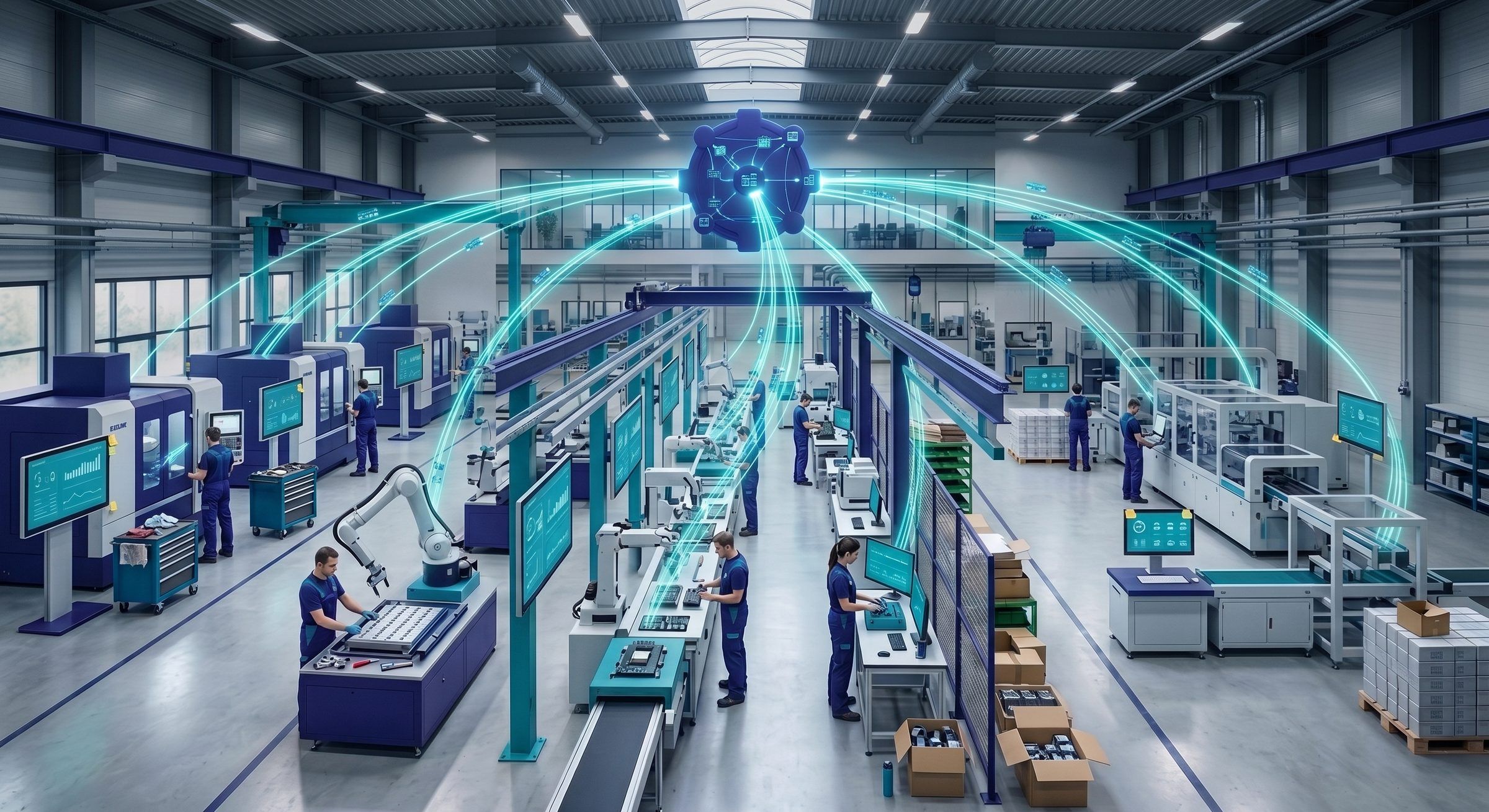
Your production data already exists — in your ERP, your MES, your SCADA systems or your exports. The SESADATA module brings it into your SESAHUB indicators without double entry: the shop floor stops copying figures, and decisions rest on source data.
How it works
Three integration principles
SESADATA inbound flows
The DATA module structures the ingestion of external data: files, automated exports or streams — feeding your BOARD indicators without manual re-entry.
Self-feeding indicators
Line rates, scrap, downtime, OEE: indicators from your systems update themselves and trigger your alert thresholds like any shop-floor entry.
Out to your analytics tools
SESAHUB management data (actions, deviations, checks) exports to your BI tools for long-term analysis and group reporting.
Families of systems you can connect
ERP and business systems — work orders, part numbers, cost data to give your indicators context. MES and SCADA — real-time production data, machine downtime, counters. BI and reporting — export of SESAHUB data to your corporate dashboards. Directory and office tools — SSO, user accounts, notifications.
Every integration project starts with a workshop with your IT team: which data, how often, in which direction. The technical arrangements (formats, APIs, connectors) are defined at that stage.
Frequently asked questions
Do we need an MES to use SESAHUB?+
No. SESAHUB runs entirely on its own with shop-floor data entry. Integrations are an accelerator that avoids re-keying when the data already exists elsewhere — not a prerequisite.
Can we start without integration and connect later?+
That is in fact the most common path: start with manual entry to establish the rituals, then automate the indicators that consume the most time.
How does data get out of SESAHUB?+
Management data can be exported for your analysis and reporting (files, feeds to BI). You remain the owner of your data — its return is a contractual commitment.
Let's map your data flows together
One workshop with your IT team is enough to decide which integrations are worth building — and which are not.
Request a demo